
Geometry Dash Subzero Unblocked – Play Free Online
Play Geometry Dash Subzero directly in your browser — no download, no login, no VPN needed. Works on school Chromebooks and blocked networks. Just click and play this free online Geometry Dash spin-off.
Geometry Dash Subzero Unblocked gives you the icy, music-heavy side of the Geometry Dash series without needing an app install. It is a strong pick if you want short, intense levels with sharp visuals, fast restarts, and the same one-touch rhythm platforming that made the original game popular.
How to Play Geometry Dash Subzero
- Press Space, Up arrow, or click to jump
- Hold to activate ship mode and fly through tight gaps
- Every obstacle is synced to the music — listen as much as you look
- Hit anything and restart from zero — memorization is key
About Geometry Dash Subzero
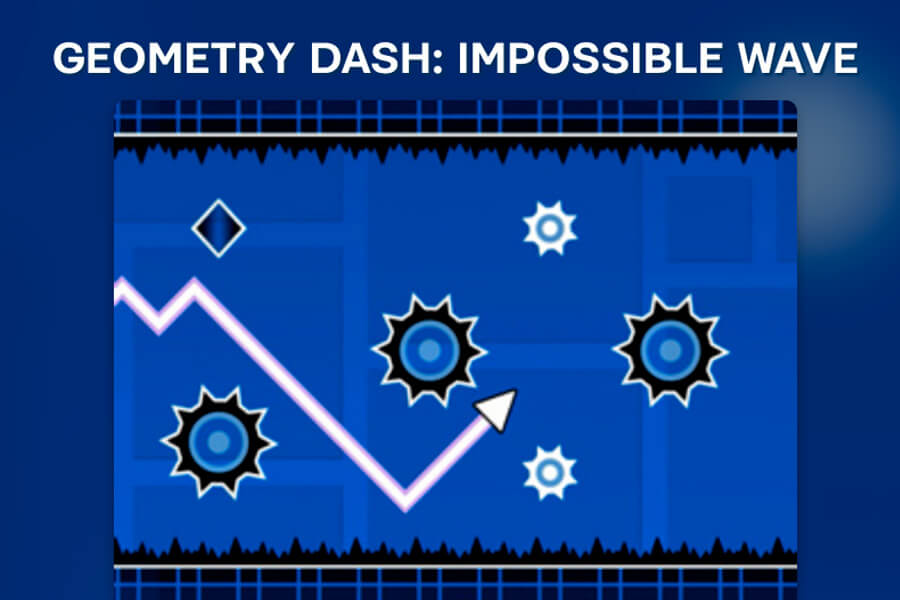
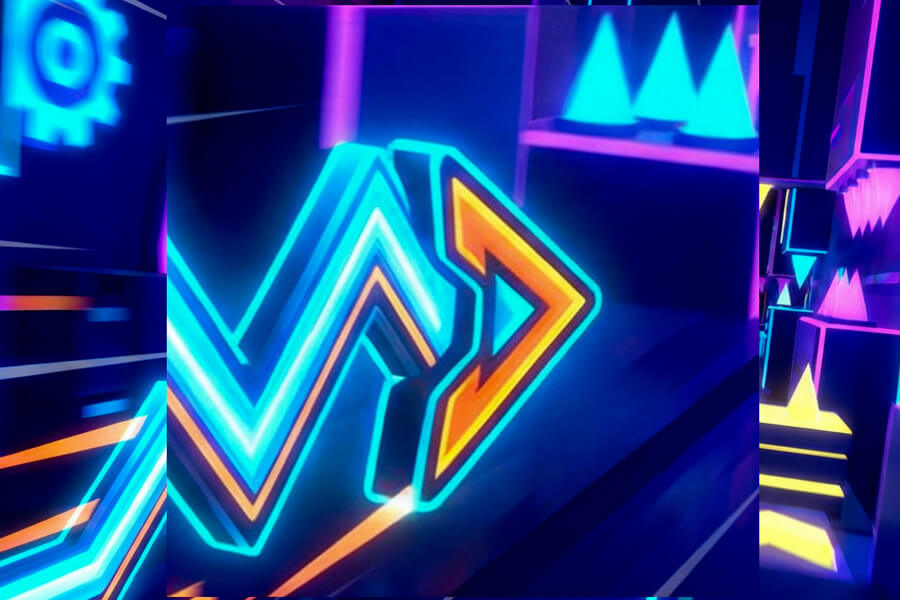
Geometry Dash Subzero is a standalone entry in the Geometry Dash series featuring three full levels — Press Start, Nock Em, and Power Trip — each with a distinct icy visual theme and a hard-hitting electronic soundtrack. It's completely free and delivers the same tight, rhythm-based gameplay as the paid original.
Subzero is smaller than the full Geometry Dash game, but it is not a throwaway demo. Its levels are designed around spectacle and rhythm. The screen flashes, portals switch your movement mode, and the music pushes each section forward. Because the levels are fixed, every attempt helps you learn the route. You may fail at the same jump many times, but once the timing clicks, the section starts to feel like part of the song.
The game is especially good for players who enjoy quick restarts. There are no long waits after a mistake. You hit a spike, restart, and immediately try to solve the pattern again. That loop makes Subzero easy to play in short sessions while still offering a real challenge.
Why People Search for Geometry Dash Subzero Unblocked
Players usually search for Geometry Dash Subzero unblocked when they want the free online version on a restricted device. School Chromebooks and shared computers often block downloads, app stores, or gaming installs. A browser page removes that friction. You can play without logging in, downloading files, or changing system permissions.
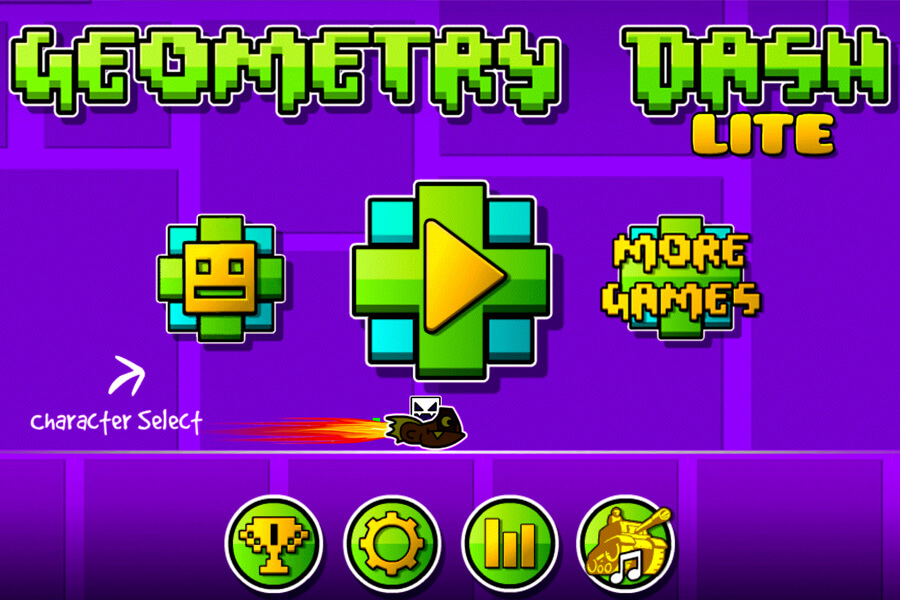
The no download browser format also makes Subzero easy to compare with other Geometry Dash games. If you already like Geometry Dash Lite, this page gives you a direct way to try the Subzero levels. If you are new to the series, it is a focused entry point: only a few levels, clear controls, and immediate pressure from the first obstacle patterns.
Tips for Geometry Dash Subzero
Use the soundtrack as a guide. In Subzero, the music is not just background noise. Drops, beats, and transitions often match major jumps or mode changes. If a section feels too fast visually, listen for the repeated rhythm and let that timing guide your inputs.
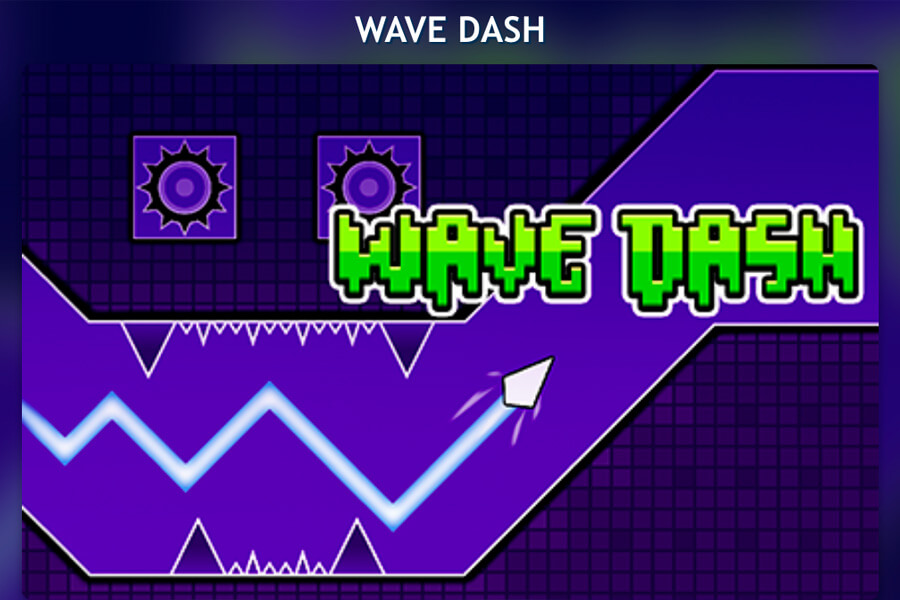
Learn the portal changes. Your character may shift from cube to ship or another movement style, and each mode responds differently. In cube sections, single jumps and holds matter. In ship sections, holding lifts you and releasing lets you fall, so smooth pressure is better than frantic tapping. Many failures happen right after a portal because the player keeps using the previous mode's rhythm.
Watch for visual distractions. Subzero uses bright effects and icy scenery, but the important information is still the obstacle path. Keep your eyes on spikes, platforms, orbs, and gaps instead of the background animations. The level may look chaotic, but the route is fixed and learnable.
Accept restarts as practice. A failed attempt is useful if it teaches one obstacle. Instead of rushing back into the same mistake, name the problem: jumped too early, held too long, missed the orb, or forgot the ship gap. That small adjustment is how Geometry Dash levels become manageable.
Subzero Versus Geometry Dash Lite
Geometry Dash Lite and Geometry Dash Subzero share the same rhythm-platformer foundation, but they feel different. Lite is broader and closer to the original game sampler, with classic level pacing and a wider overview of Geometry Dash mechanics. Subzero is tighter, flashier, and more focused on three standalone levels with a colder visual theme.
If you want the most traditional Geometry Dash experience, start with Lite. If you want a free online browser game with more dramatic effects and a compact set of levels, Subzero is a good next choice. Both reward memorization, timing, and patience more than raw button speed.
Subzero also differs from Slope and Run 3. Slope asks you to steer through a changing 3D track. Run 3 asks you to rotate gravity and choose a path through space tunnels. Subzero is stricter: the path is fixed, and your job is to match the level's rhythm until the sequence becomes automatic.
Why Play Geometry Dash Subzero on WaveDash?
- 🔓 Fully Unblocked — works at school and on restricted networks
- 🆓 100% Free — no account, no subscription
- ⚡ Instant Play — no download, loads in seconds
- 💻 Chromebook Ready — runs in any modern browser
WaveDash keeps the page focused on instant browser play. You do not need to install an app, create an account, or search for a separate launcher. Open the page, click into the game frame, and start learning the first level.
If the keyboard or mouse input does not respond immediately, click once inside the game area. That gives the browser frame focus so Space, Up arrow, and clicks can control the game.