



Hyper Wave Trial
Introduction
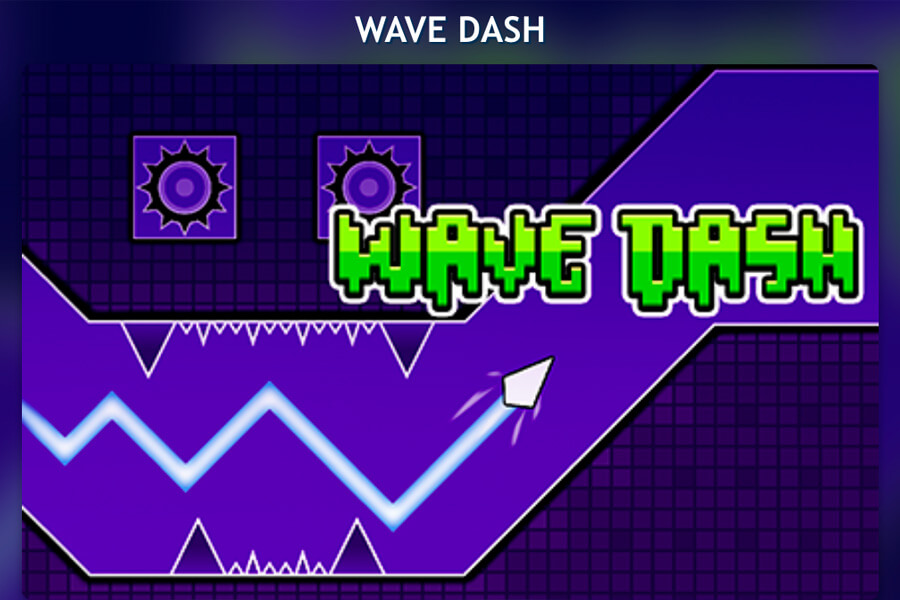
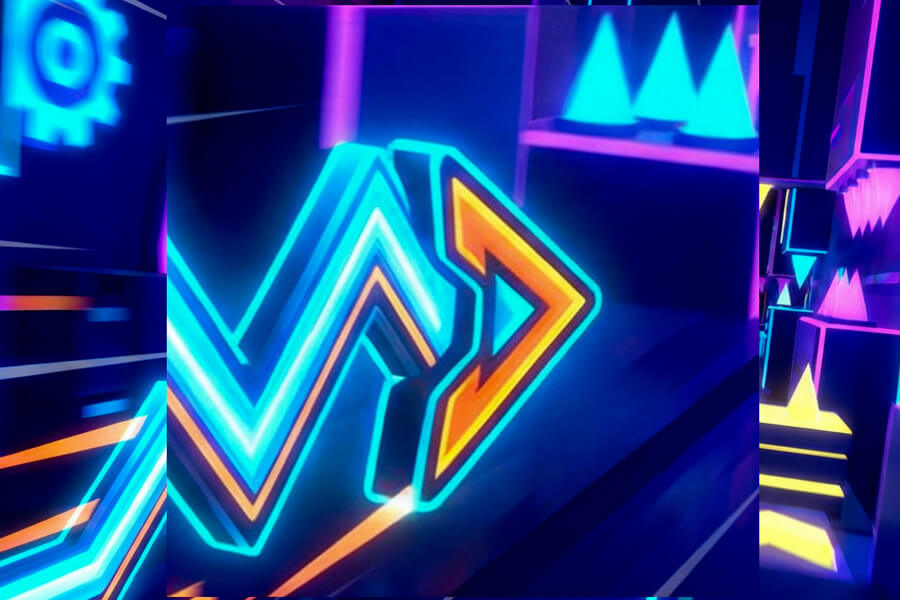
Dive into the high-octane rhythm of Hyper Wave Trial, a fast-paced reaction game that challenges your timing and nerve. Inspired by the iconic wave mechanic, this game tasks you with piloting a wave icon through treacherous, zigzagging corridors at blistering speed. Your control is deceptively simple: hold to ascend and release to descend. The singular goal is to survive, navigating tight squeezes and dodging deadly spikes to reach the end of each pulse-pounding level. For players seeking an intense test of precision, Hyper Wave Trial delivers a pure, unrelenting challenge. Looking for quick, free action? You can play Hyper Wave Trial online free directly in your web browser.
Features & Advantages
Hyper Wave Trial packs a powerful punch with features designed to test and reward skilled players:
- Pure Wave Gameplay: Experience the core thrill of high-speed wave mechanics, focused entirely on precise vertical control as you automatically surge forward.
- Substantial Challenge: Conquer 30 meticulously crafted levels spread across 3 distinct worlds, each ramping up the difficulty and complexity.
- Dynamic Gameplay Modifiers: Encounter portals that instantly alter your wave's speed, size, and gravity, forcing you to adapt your strategy on the fly.
- Custom Practice Mode: Hone your skills with a dedicated Practice Mode. Place and remove manual checkpoints (Q/E keys) to master the toughest sections.
- Personalize Your Wave: Unlock and choose from 49 unique wave skins to customize your visual style as you play.
- Accessible & Free: As a browser-based game, it's easy to play Hyper Wave Trial online free without downloads or installations.
How to Play
The control scheme is minimalist but demands maximum focus. Your wave is in constant forward motion; you only control its vertical position.
- Basic Control:
- Ascend: Hold down the Left Mouse Button or the Spacebar.
- Descend: Release the button.
- Core Concept: Guide your wave through the narrow, twisting path. Even small, well-timed taps can mean the difference between success and crashing into a spike or wall. The key is smooth, predictive movement rather than frantic reactions.
- Practice Mode Controls (PC):
- Q Key: Place a checkpoint at your current position.
- E Key: Delete the last checkpoint you placed.
- P or Tab Key: Pause the game.
Tips & Strategy
Mastering Hyper Wave Trial requires more than fast reflexes. Here’s how to improve your runs:
- Anticipate, Don't Just React: Look ahead on the screen to prepare for upcoming turns and spikes. Your wave moves fast, so you need to plan your clicks milliseconds in advance.
- Small Adjustments: Avoid holding or releasing the button for too long. In tight spaces, quick, slight taps are often more effective than large movements, which can lead to overcorrecting.
- Use Practice Mode Liberally: Stuck on a tricky section? Use Practice Mode to place a checkpoint right before it. Repeat the segment until the muscle memory is locked in.
- Learn the Portals: Memorize what each portal type (speed, size, gravity) does. A gravity flip or a miniaturized wave completely changes your timing and approach.
- Stay Calm: The difficulty can be frustrating. Taking a short break after many failures can help reset your focus and timing.
FAQ
Is Hyper Wave Trial free to play?
Yes, Hyper Wave Trial is completely free to play. You can access it directly through game aggregator websites without any cost or subscription.
Can I play Hyper Wave Trial on my school or work computer?
Many players look for Hyper Wave Trial unblocked versions to play on restricted networks. While the game is browser-based, access depends on your local network policies. Some gaming portals offer unblocked versions.
What are the main controls for Hyper Wave Trial?
The primary control is holding the Left Mouse Button or Spacebar to make your wave go up, and releasing it to go down. The game is played with just one button.
How many levels are in the game?
The game features a total of 30 challenging levels, divided into 3 different worlds.
What is Practice Mode and how do I use it?
Practice Mode allows you to place custom checkpoints to practice specific difficult sections. On PC, press 'Q' to place a checkpoint and 'E' to remove the last one. This is invaluable for mastering tough levels.
What do the portals do?
Portals are colored gates that change your wave's properties. They can alter your speed (making you faster or slower), change your size (to mini or large), or reverse gravity.
Are there any rewards or unlocks?
Yes, you can unlock 49 different visual skins for your wave by progressing through the game, giving you a way to customize your appearance.
Why is the game so difficult?
Hyper Wave Trial is designed as a precision reaction game. The high difficulty comes from the need for perfect timing and control in narrow spaces, catering to players who enjoy a steep challenge.
Does the game have sound or music?
The original game introduction does not specify audio details. Typically, games of this style feature rhythmic electronic music and sound effects that complement the fast-paced gameplay.
Is there a mobile version of Hyper Wave Trial?
The provided information details PC controls (mouse, spacebar, Q/E keys). While the core game could be played on a mobile browser with touch controls (tap to ascend), an official mobile-optimized version is not specified.