

Wavedash Unblocked
Game Overview
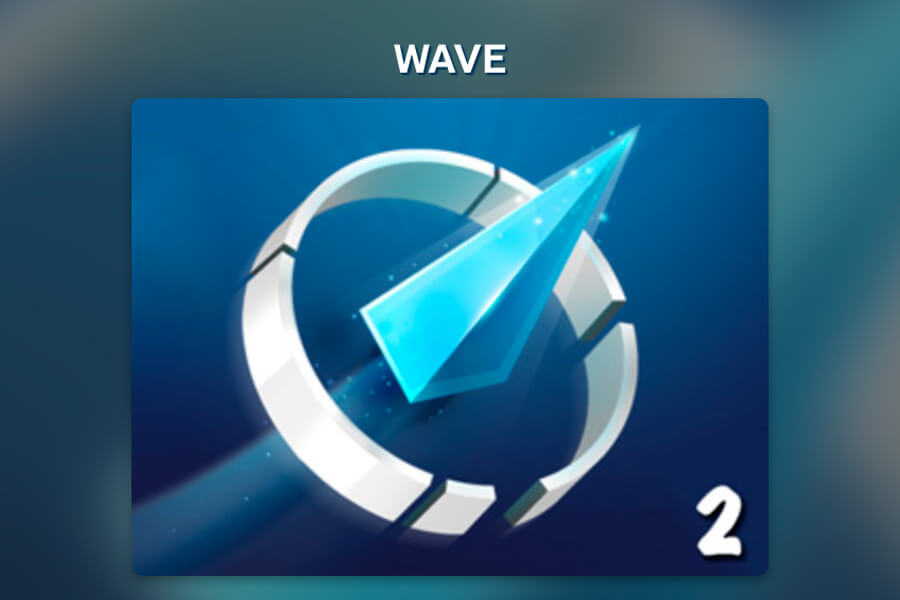
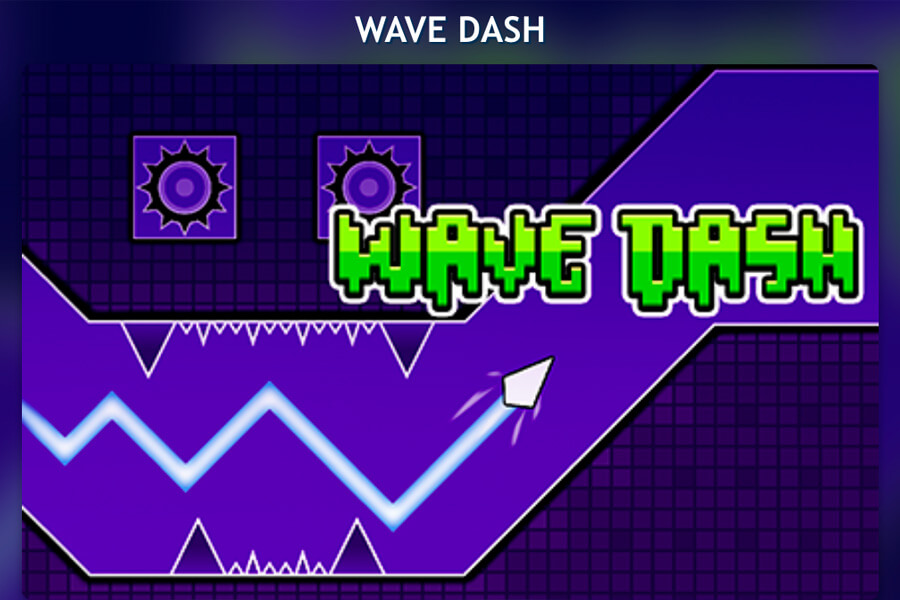
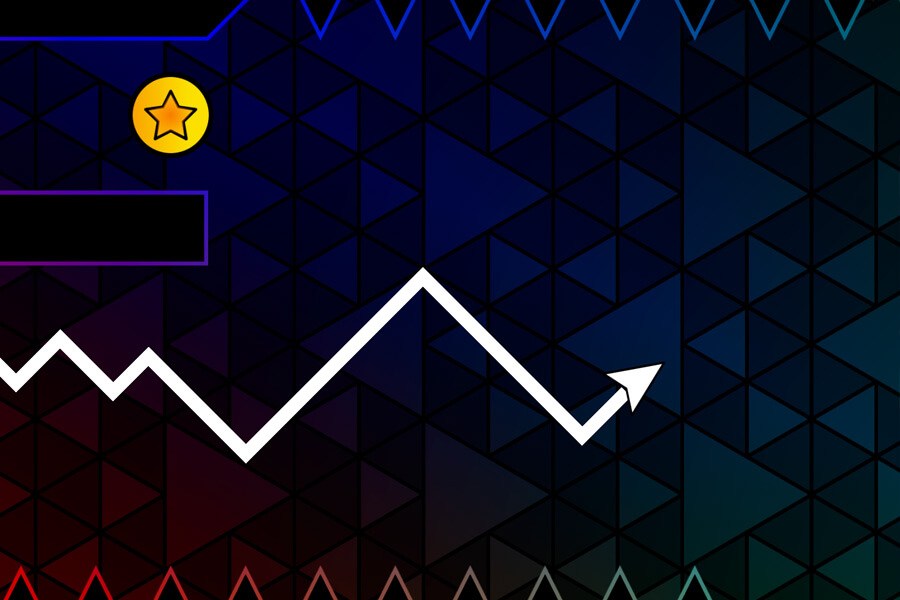
Wavedash Unblocked is the focused page for players searching for Wavedash at school, on a Chromebook, or on a network where downloads are not practical. The game runs in the browser, starts from the page, and does not ask for an account. You control a wave icon through tight geometric tunnels with one input, then restart instantly when you touch a wall.
This page is separate from the main Wave Dash page because the search intent is different. If you searched "wavedash unblocked", you probably want the fastest playable version with no download, no login, and no setup steps. The game here is for that use case: open, play, retry, and keep improving your timing.
Because Wavedash runs in a standard browser tab, it is a better fit for school computers and public devices than games that require an installer, browser extension, or app store access. Network filters still vary, but the page is built around direct browser play.
How to Play
One input controls everything. Click, tap, press the spacebar, or use an arrow key to flip the wave's direction. The goal is to thread through narrow gaps in the tunnel walls without touching the edges. The wave moves at a fixed speed, so every late tap matters.
For desktop and Chromebook players, keep one hand ready on spacebar or an arrow key. Try to watch the next opening, not the wall directly in front of the wave. For mobile players, a single tap works, but short focused runs are easier than long attempts on a small screen.
Play Wavedash Unblocked on Any Device
Wavedash Unblocked on Chromebook
Chromebook users can play directly in Chrome — no Linux environment, no Android app needed. The game runs inside a standard browser tab, which means school-issued Chromebooks that block app installs can still access it. Keyboard controls (spacebar or arrow keys) tend to be more precise than trackpad clicks on Chromebook hardware.
Geometry Dash Wave Unblocked
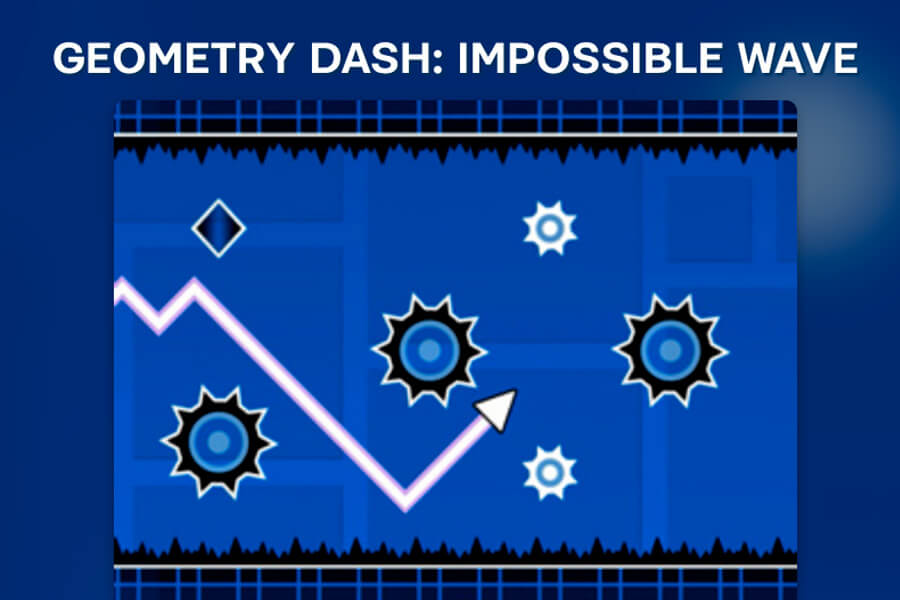
If you found this page while searching for the wave mode from Geometry Dash, Wavedash is the closest standalone version available in a browser. The core mechanic is the same — one input, narrow tunnels, instant restart — without needing the full Geometry Dash game installed.
Wave Dash Unblocked for School
Because the game uses no installer, no Flash, and no browser extension, it passes the basic filter most school networks use. The page loads over standard HTTPS and runs entirely in-browser. Whether it works on your specific school network depends on that network's settings, but it's built to be as accessible as possible.
Why Play Wavedash Here
Built for browser access
This version does not use Flash, an installer, or extra permissions. If your device can open a modern browser tab, you can try the game without changing settings.
No friction
No account, no loading screen, no tutorial you can't skip. The game is live the moment the page opens.
Works on Chromebook
Because everything runs in the browser, Chromebooks handle it without any workarounds. No extensions, no settings to change.
Same game, any device
Desktop, phone, tablet — the controls adapt automatically. One tap or one keypress, same experience everywhere.
Wavedash vs Wave Dash
Players use both names when searching for this game. "Wave Dash" usually points to the main game name, while "Wavedash Unblocked" usually means the browser-access version people want on school devices or restricted networks. The core gameplay is the same: one input, tight tunnels, fast retries, and no checkpoints.
If you want the main landing page, use Wave Dash Unblocked. If you want related wave and Geometry Dash style games, browse Dash Games, Space Waves, or Geometry Dash Unbanned.
Quick Tips for Longer Runs
- Keep your eyes two gaps ahead instead of staring at the wave.
- Make smaller corrections when the tunnel is wide so you do not oversteer before a narrow section.
- Restart quickly after a mistake, but pause for a second if you keep dying in the same shape.
- On Chromebook, keyboard input is usually easier to control than trackpad clicks.
FAQ
Is this the same as the wave in Geometry Dash?
The wave mechanic in Geometry Dash and Wavedash are built on the same idea — flip direction to avoid walls — but Wavedash is a standalone browser game focused entirely on that one mechanic. You don't need Geometry Dash installed to play here.
Can I play wave dash unblocked at school?
Yes, that's exactly what this page is for. Because it runs in a browser tab without any software install, it works on most school computers and Chromebooks. Network-level filters vary by school, but the game is designed to be as frictionless as possible for restricted environments.
Is Wavedash Unblocked actually free?
Yes, completely. No trial, no premium version, no sign-up wall. The full game is available the moment you open the page.
Does it work on school Wi-Fi?
Wavedash Unblocked runs in a standard browser tab without software installs or special permissions. That makes it suitable for many school devices, but access still depends on the filters used by your network.
Do I need to download anything?
No. Nothing installs on your device. That also means it works on school computers and Chromebooks that restrict software installs — the game runs entirely inside the browser.
Is this the same as Wave Dash?
Yes. Wavedash Unblocked is the same Wave Dash style gameplay presented for browser access. The controls, tunnel-dodging loop, and retry-focused difficulty are the same.
How is Wavedash different from Geometry Dash?
Both punish every mistake with a full restart and reward muscle memory over time. The difference is the input style — Geometry Dash is about jump timing across a flat plane, Wavedash is about direction-flipping through a tunnel. If you've played Geometry Dash and want something that feels like threading a needle at speed rather than timing a jump, Wavedash is the natural next game.
Can I play Wavedash Unblocked on my phone?
Yes. Tap controls work on iOS and Android without any app. The tunnel reads clearly on smaller screens and since the game uses one input, there's no virtual joystick cluttering the view.
Why does Wavedash keep sending me back to the start?
That's the game. There are no checkpoints — every run starts from zero. The tunnels are random so each attempt is different, but the controls are consistent, which means deaths are always readable. You'll start seeing patterns faster than you expect.
Related Games
- Geometry Dash Unbanned – full Geometry Dash style levels, browser playable
- Space Waves – wave mechanic with a space theme
- All Dash Games – browse every wave and dash game on the site