
Geometry Neon Dash Subzero Unblocked
Game Overview
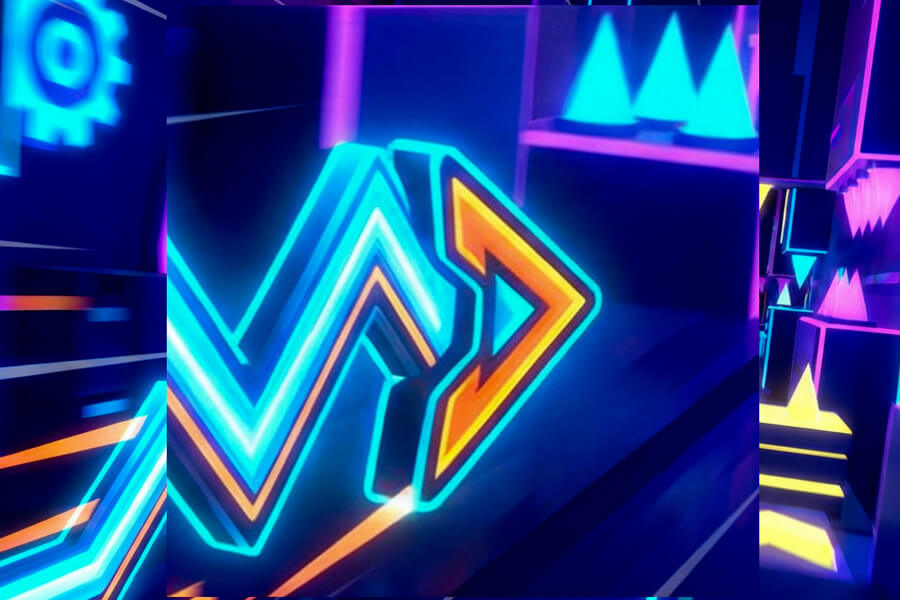
Geometry Neon Dash Subzero is a rhythm-based runner built around a neon visual style and a single control: jump. Every platform, spike, and hazard glows against a dark background, synced to an electronic soundtrack. Your cube moves forward automatically. You tap to jump, hold for height, and release to land. One mistake sends you back to the last checkpoint.
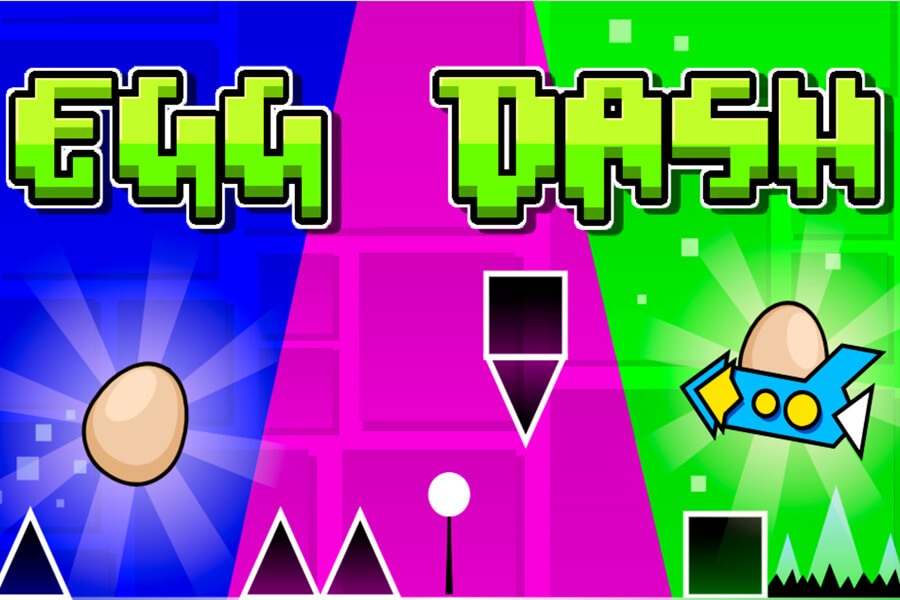
What keeps it from being a simple jump game is the mechanical variety mid-run. Gravity flip zones invert your controls without warning. Launch pads send you into flying sections where you steer through narrow corridors by tapping rather than jumping. Orbs scattered along the route unlock new cube skins as you collect them. The neon aesthetic isn't decoration — the glow makes obstacles readable at speed in a way that flat graphics don't.
The unblocked version runs entirely in your browser. No install, no permissions, no app store. Works on school Wi-Fi, Chromebooks, and any modern mobile browser.
How to Play
Press spacebar or the up arrow key on desktop, or tap on mobile, to jump. Hold for a higher jump, release early for a shorter one. During flying sections, tap repeatedly to gain altitude and steer through narrow tunnels — holding causes you to rise too fast and clip the ceiling.
Watch for two environmental triggers: gravity flip zones (your controls instantly invert — what was up is now down) and launch pads (you launch into a flying section automatically). Both require immediate adaptation. First few encounters with each will likely end in a death — that's expected. The pattern becomes readable after two or three attempts.
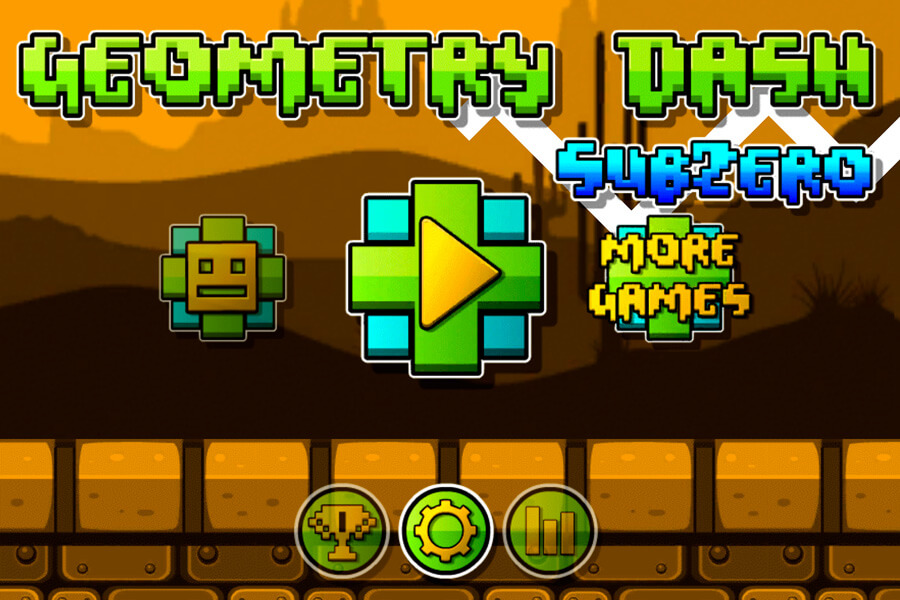
Collect glowing orbs throughout each level. They accumulate across runs and unlock cosmetic skins from the main menu.
Why Play Geometry Neon Dash Subzero Here
Unblocked on any network
Browser-based with no downloads or plugins. Runs in a standard tab, which is why it passes through most school and workplace content filters without issues.
Neon visuals that actually aid gameplay
The glowing outlines make spike tips and platform edges sharp and readable at speed. It's not just a visual style — it reduces the ambiguity that causes unfair-feeling deaths in games with flat graphics.
Mechanical variety beyond just jumping
Gravity flips, launch pads, and flying sections break up the rhythm and demand different skills in the same run. The game never stays predictable for long.
Orb collection gives every run a secondary goal
Even on a failed run, collecting orbs makes progress toward new skins. It takes the edge off a brutal restart loop.
Works on Chromebook and mobile
HTML5, no install required. Tap controls on iOS and Android are responsive and the neon visuals scale well on smaller screens.
FAQ
Is Geometry Neon Dash Subzero free to play?
Yes, completely free. No account, no download, no payment. The full game runs in your browser the moment the page loads.
Is it unblocked at school?
For most school networks, yes. Because it's a browser-based HTML5 game with no special software requirements, it typically gets through filtered connections. If your specific school blocks the domain, switching to your phone's data connection is the quickest fix.
Do I need to download anything?
No. Nothing installs on your device. That also means it works on Chromebooks and school computers that restrict software installs.
What are the orbs for?
Orbs are collected during gameplay and used as currency to unlock cosmetic cube skins from the main menu. They're purely visual — no effect on controls or hitbox.
How do gravity flip sections work?
Hitting a gravity flip zone inverts your controls instantly — your cube flips to the ceiling and jump now pushes downward. It feels disorienting for the first few encounters. After that, it becomes one of the more satisfying mechanics in the game.
What are the flying sections?
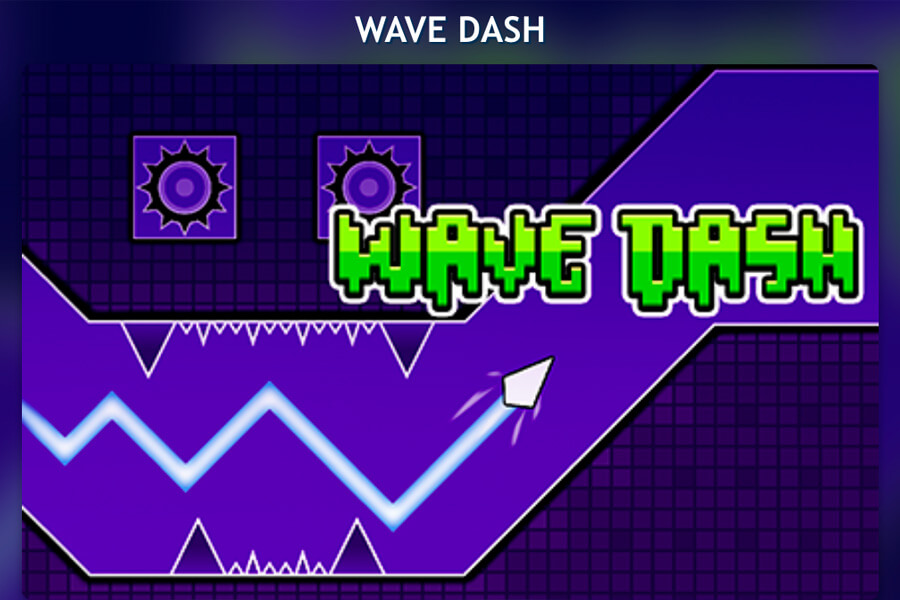
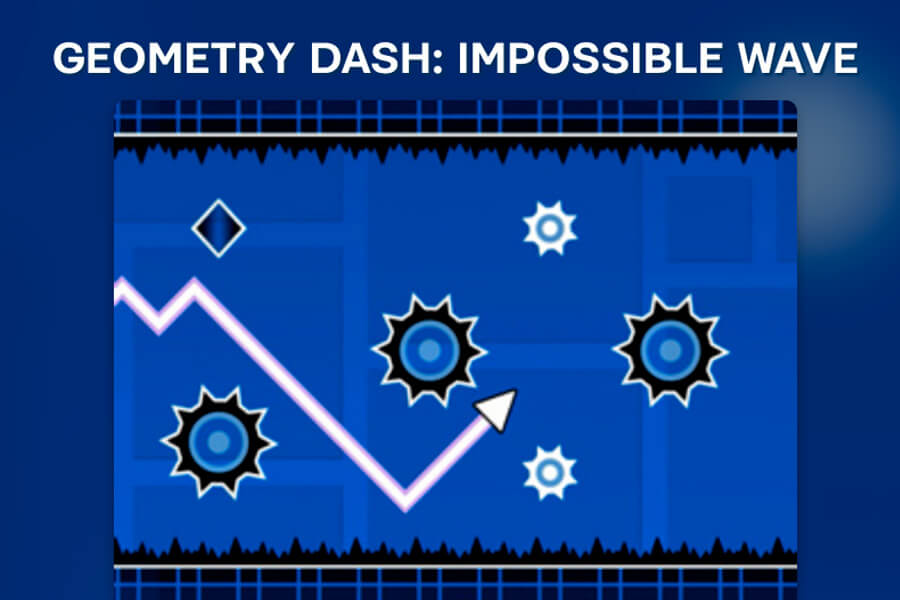
Launch pads propel your cube into a flying vehicle that navigates narrow corridors. Instead of jumping over obstacles, you tap to rise and release to sink, threading through gaps in the tunnel walls. Gentle taps give you better control than holding.
Why do I keep dying on the same section?
Geometry Neon Dash Subzero is pattern-based. The obstacle sequences are fixed, so deaths on the same spot mean you haven't memorized the timing yet. A few more attempts at that section specifically — rather than full runs — breaks the pattern faster.
Can I play on my phone?
Yes. Tap to jump, hold for height. The neon outlines read clearly on smaller screens and the single-input control means no virtual joystick needed.
When was this game released?
Geometry Neon Dash Subzero was originally released in February 2018.