

Wave Dash GD Unblocked
Game Overview
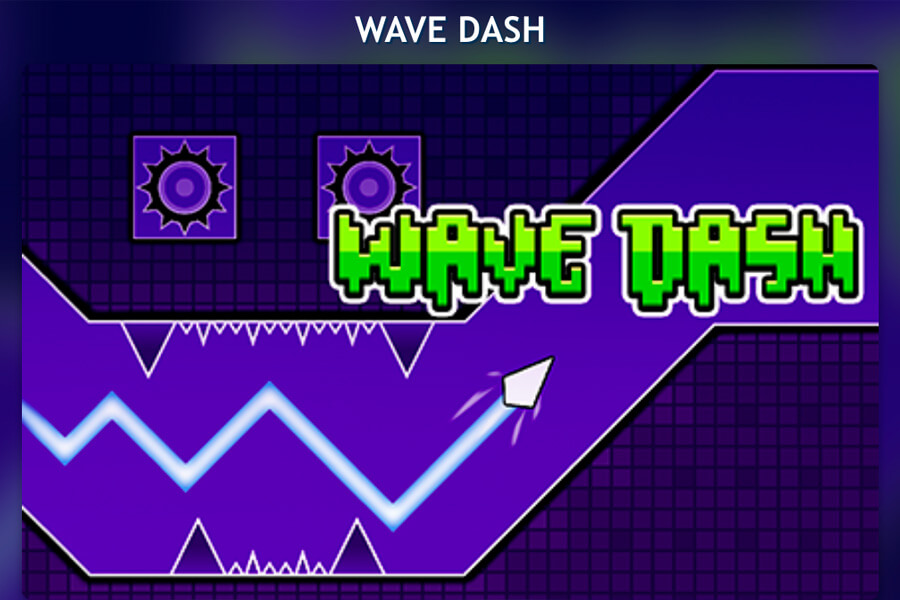
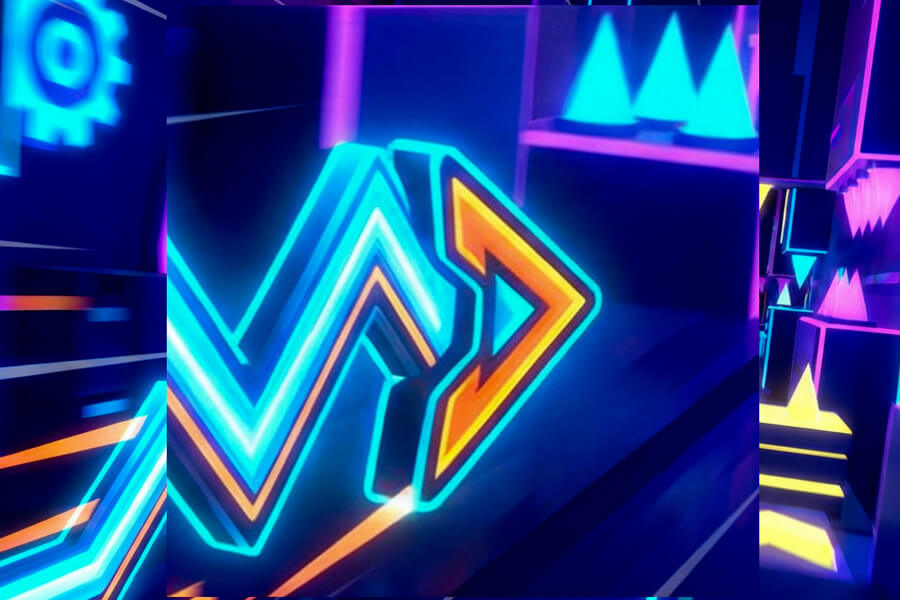
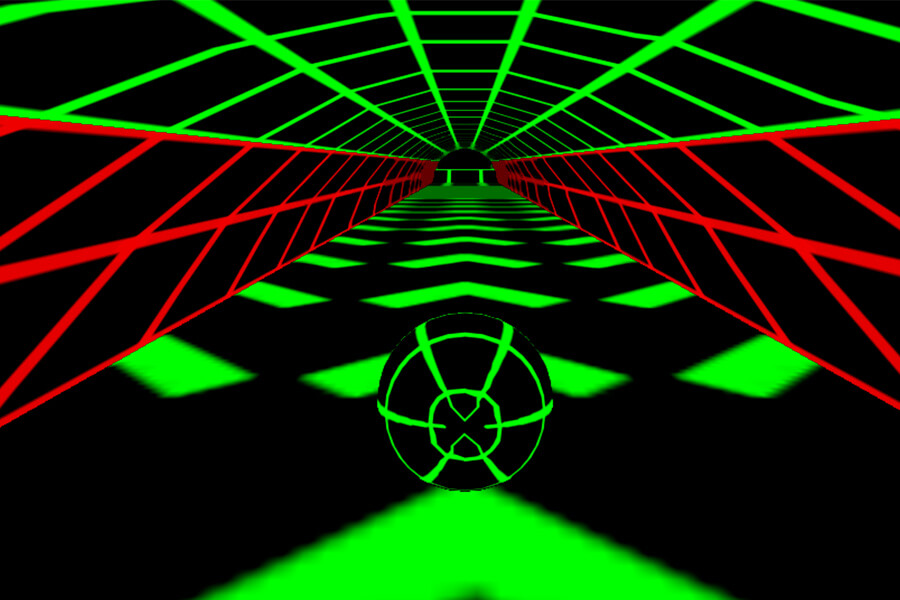
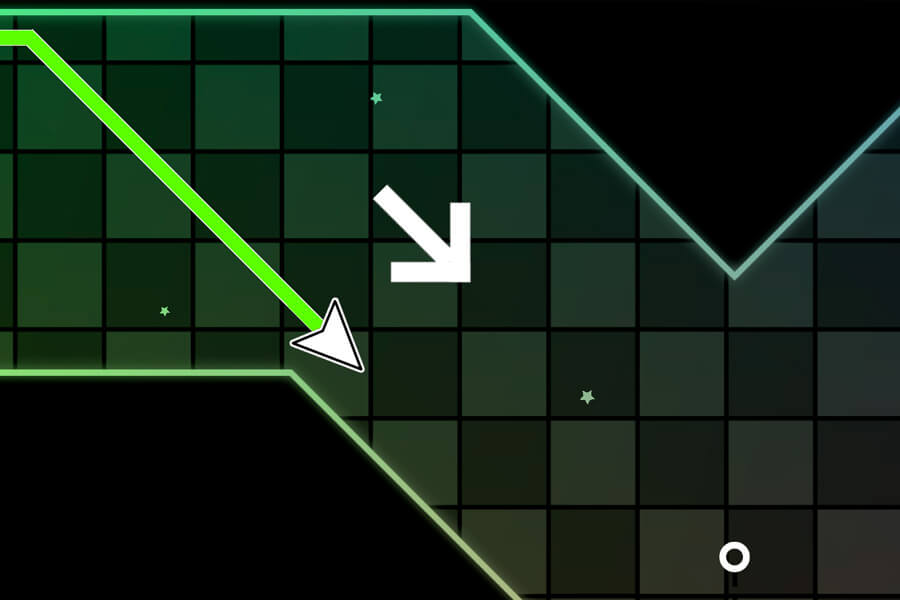
Wave Dash GD takes the core wave mechanic and builds a full game around it — coin collection, unlockable skins, a level editor, and a global community of player-made courses. You pilot a wave icon through geometric obstacle courses, holding to fly up and releasing to drop down. The base loop is the same as any wave runner, but Wave Dash GD gives you a reason to replay every level: find the coins, unlock the skins, then build something harder for everyone else.
The unblocked version runs entirely in your browser with no install required. It works on school networks, Chromebooks, and public Wi-Fi without any workarounds — open the page, it loads, you play.
How to Play
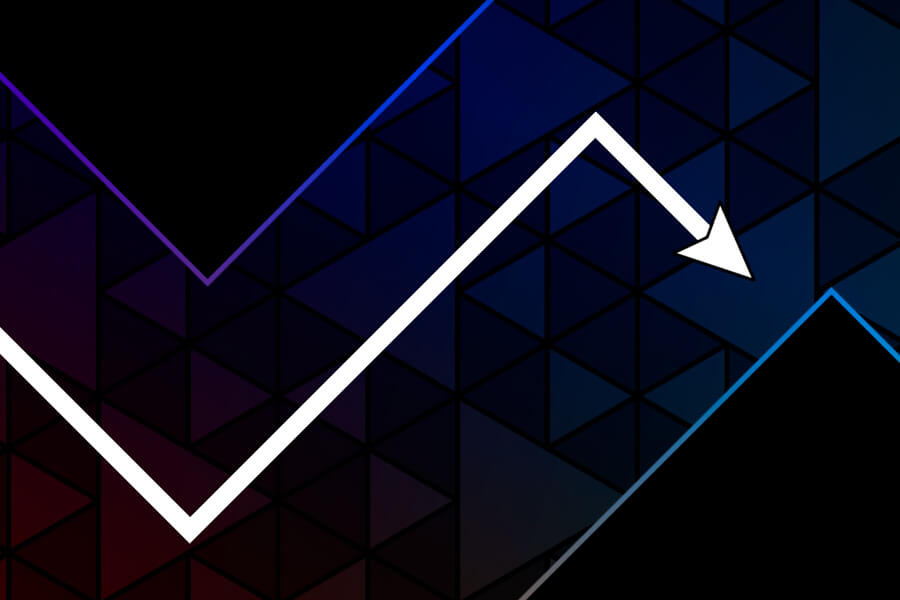
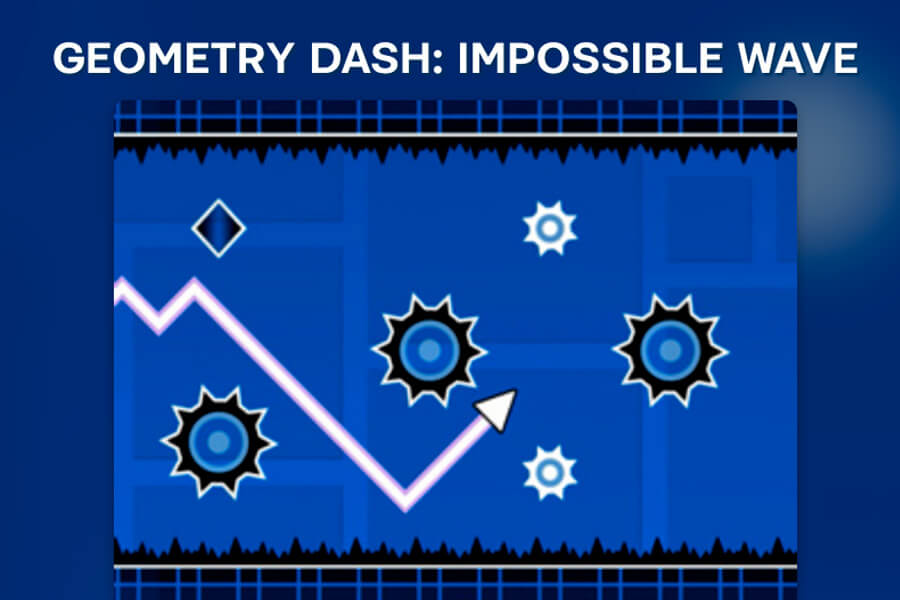
Hold the left mouse button or tap and hold on mobile to move the wave upward. Release to move it downward. The wave never stops moving forward, so every decision is instant. Your job is to thread through narrow corridors without touching the walls, while collecting gold coins along the route.
Two ways to approach each level: go for pure survival and reach the exit, or hunt every coin for a perfect run and unlock cosmetic rewards. Both paths use the same single input — it's just a question of which route you take through the tunnel.
Once you've cleared the official levels, the level editor opens up. Build your own courses, set your own difficulty, and publish them for other players to attempt.
Why Play Wave Dash GD Here
Unblocked on school networks
Runs in a standard browser tab with no plugins, no app installs, and no permissions that trigger school filters. If a webpage can load, Wave Dash GD loads with it.
Coin runs give every level replay value
Most wave games end when you reach the exit. Wave Dash GD layers a collectible goal on top — perfect coin runs require a different route and tighter execution than a survival run through the same level.
Build and share custom levels
The integrated level editor lets you design courses and publish them to the community. It's the part of the game that never runs out of content.
Works on Chromebook and mobile
HTML5-based, no downloads. Tap controls work cleanly on iOS and Android. Chromebooks run it without any settings changes.
FAQ
Can I play Wave Dash GD free without an account?
Yes. No account, no sign-up, no trial. The full game loads in your browser immediately.
Is Wave Dash GD unblocked at school?
For most school networks, yes. Because it runs in a standard browser tab without special software or permissions, it typically gets through filtered connections. If your school blocks the specific domain, your phone's data connection is the quickest workaround.
What do coins actually unlock?
Coins collected across levels unlock cosmetic skins for your wave icon — different shapes, colors, and visual styles. They're purely cosmetic with no effect on controls or hitbox.
How do I use the level editor?
After clearing the initial official levels, the editor becomes available from the main menu. Place obstacles, set corridor widths, test the layout yourself, then publish. The community library of player-made levels is accessible from the same menu.
How is Wave Dash GD different from the original Wave Dash?
Both use the same hold-to-rise, release-to-fall control. Wave Dash GD adds coin collection, a skin unlock system, sequential level progression, and the level editor. If you've finished the base game and want more structure and content, Wave Dash GD is the natural next step.
Is it single-player only?
Yes. Wave Dash GD is a single-player game focused on personal skill, level completion, and score. There are no multiplayer or co-op modes.
The later levels feel impossible. What helps?
Stop trying to collect coins on your first run through a new level. Get one clean survival run to learn the obstacle layout, then go back for the coins once the path feels familiar. Panic-tapping through unknown geometry is where most deaths happen.
Does it work on iPhone and Android?
Yes. Tap and hold to rise, release to fall — the same as desktop. The tunnel geometry scales well on smaller screens and the single-input control means no virtual joystick cluttering the view.